
The Hidden Cost of Letting Photos Live Everywhere
We live in a world where our photos exist everywhere.
On our phones (obviously).
On Shutterfly or Snapfish after we made that calendar, holiday card or ornament.
Auto-uploading into Google Photos, OneDrive, Dropbox, or Amazon Prime Photos.
Tucked inside social media platforms holding every vacation album, soccer game and ballet recital.
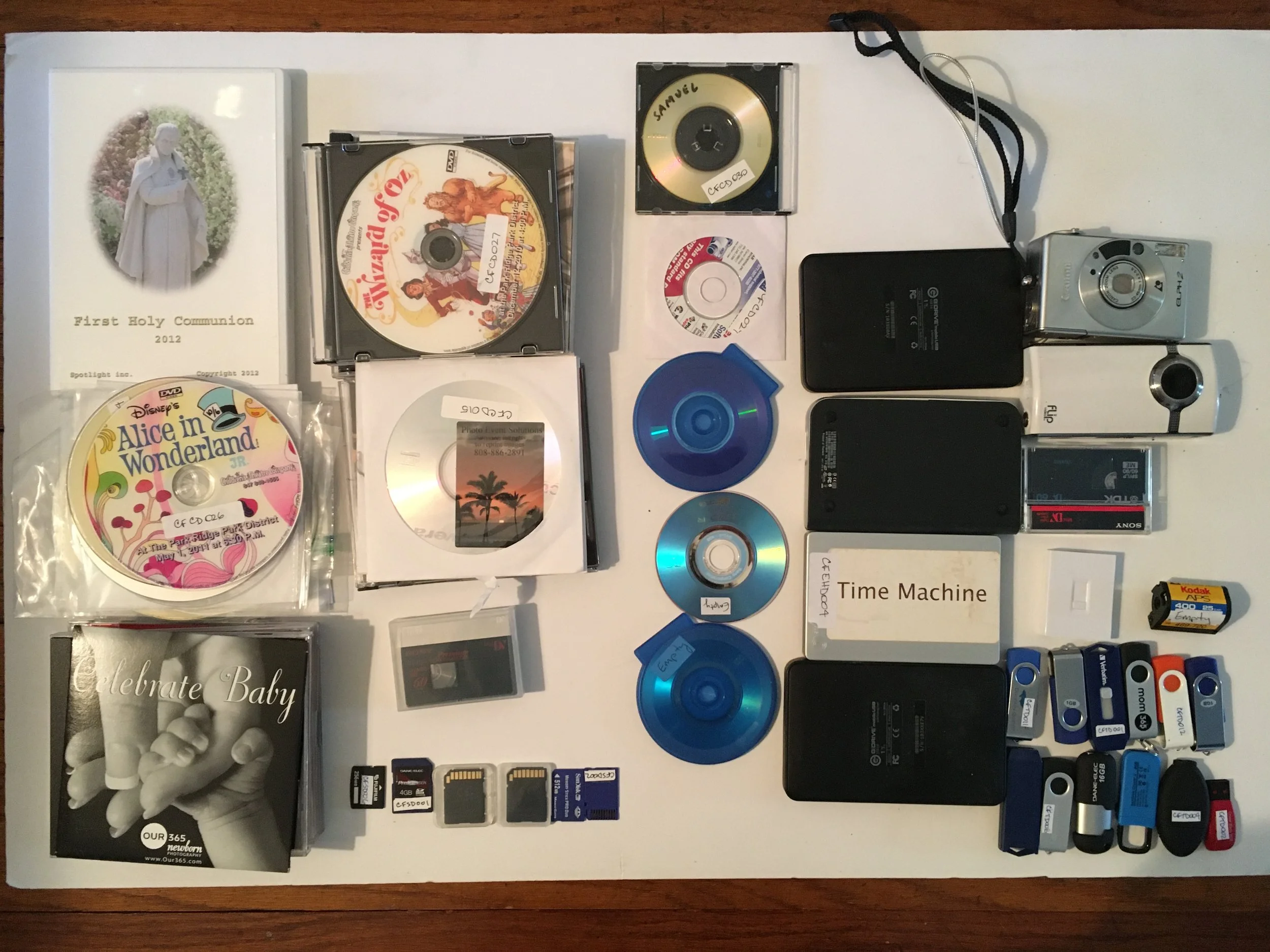
And then there are the physical leftovers… CDs, DVDs, thumb drives (yes, jump drives), external hard drives, SD cards.
It’s no wonder so many people feel overwhelmed by their photo collection.
When photos are scattered across platforms and devices, it creates more than digital clutter. It creates uncertainty.

And uncertainty becomes stress.
The Illusion of “They’re Backed Up Somewhere”
It’s easy to tell ourselves:
~ “They’re fine.” ~ “They’re backed up.” ~ “They’re in the cloud.” ~
But “somewhere” is not a strategy, so let’s take a look at some realities.

What would you do if all your photos in Facebook and Instagram disappeared?
1. Devices Fail
Hard drives deteriorate.
USB drives get corrupted.
Heat, cold, water damage, power surges, even simple age can compromise storage media.
“Somewhere” is not a strategy
2. Photo Project Websites Are Not Archives
Companies like Shutterfly, Snapfish, and similar platforms are in the business of selling products. Not preserving your legacy.
Many compress images for faster uploads and product previews. That means the file stored there may not be your original, full-resolution image.
And yes, you’ve probably received the emails:
“Make a purchase or your photos may be deleted.”
That’s not long-term storage. That is conditional hosting.
3. Social Media Is Not Preservation
Social platforms heavily compress images. Resolution is reduced. Metadata is often stripped. File names are changed.
They are built for sharing, not safeguarding.
If Instagram or Facebook disappeared tomorrow, your original files would not be protected there. Then what would you do?
4. Technology Becomes Obsolete
Floppy disks.
Zip drives.
CDs and DVDs.
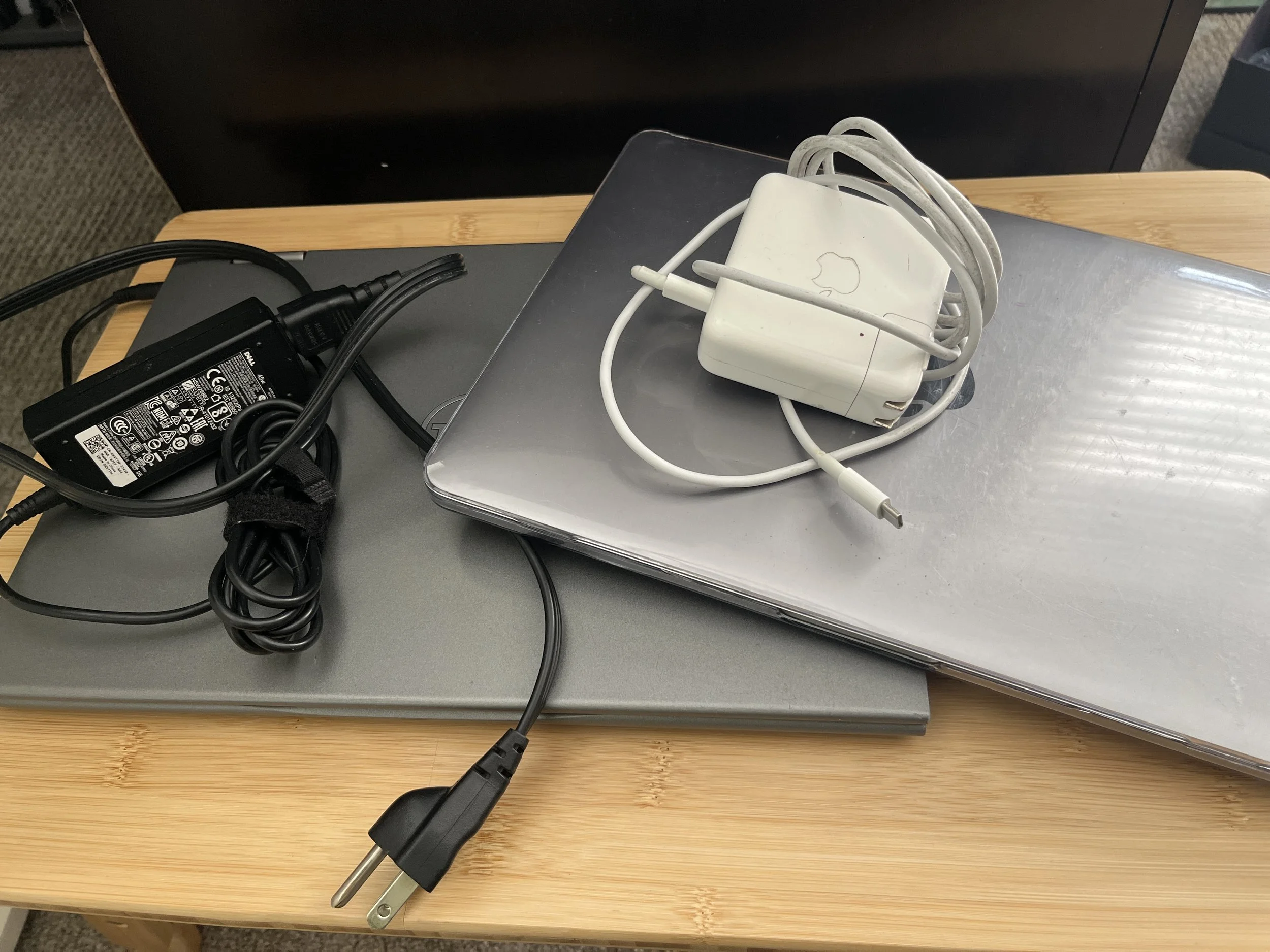
Even certain connection ports.
Every decade leaves something behind.
If your photos live on media that you can no longer plug into your current computer, accessibility becomes its own risk. Preservation is not just about keeping files, it’s about keeping them usable.
5. Scattered Photos Create Invisible Mental Load
This one isn’t technical. It’s emotional.
When photos live everywhere, you never fully know what you have.
You wonder:
Did I download that?
Is that on my phone or Google?
Did I save the originals?
Where is that SD card?
That constant low-level uncertainty creates avoidance.
And avoidance grows the problem.
“Scattered photos don’t just create clutter. They create doubt.”

The Real Risk Isn’t Just Loss. It’s Disconnection
The risk of scattered photos isn’t only that you might lose them. It’s that you slowly stop using them. When your images are fragmented across platforms, devices, and accounts, they become harder to access in any meaningful way. You don’t casually revisit them because you’re not sure where they are. You don’t create albums or books because gathering everything feels complicated. You don’t print them because pulling files together feels like a project in itself.
Over time, those images shift from being part of your active life to becoming digital fragments stored in isolated corners. And that quiet disconnection matters. Photos are meant to be experienced, shared, and revisited. When they live everywhere, they often end up feeling like they live nowhere.

The First Step: Consolidate
I’m not here to scare you. I’m here to simplify this.
Before you organize. Before you delete. Before you sort or rename anything, consolidate. Start pulling your photos from each device and platform and move them into one central location. Just one place.
You don’t need to cull. You don’t need to categorize. You don’t need to fix anything yet. The goal at this stage is not perfection, it’s stability.
When everything lives in one location, you finally know what you have. You reduce risk because you’re no longer depending on scattered systems you barely remember setting up. You eliminate the constant mental question of “Where is that photo?” And, more importantly, you create a foundation for everything that comes next.
You can’t protect what you can’t see.
Consolidation gives you visibility. And visibility creates clarity. That one step alone often brings more peace of mind than people expect.
A Quick Note on Backup
For now, relying on just one copy of your Photo HUB is not a good idea. Once you’ve consolidated everything into one location, make at least one additional copy.
I’ll walk through what a strong backup strategy looks like in a future blog. But at minimum, having one extra copy ensures that the time and effort you’ve put into gathering your photos isn’t undone by a failed device or simple accident.

If You’re Not Sure How to Create a Photo HUB…
This exact first step - building your centralized Photo HUB - is the foundation of The Guided Photo Path.
It’s the starting line.
Not organizing.
Not deleting.
Not perfection.
Just creating stability.
If this post resonated with you, I encourage you to explore The Guided Photo Path and see if it’s the right fit for where you are right now.
And if you’d like practical guidance, perspective, and encouragement as you navigate your photo collection, you’re always welcome to join my email community. I share insights, strategies, and real-world examples to help you move forward, without overwhelm.
You don’t have to fix everything today.
But you can start by bringing your photos home to one place.
Sign up for our mailing list for photo book tips, organizing tricks, and all sorts of other fun and useful content.